
Search with Wildcards
| Wildcard | What does that mean? | Example | What will be found? |
|---|---|---|---|
| * | replaces any number of characters (truncation). | psycho* | Psychologe, Psychoanalyse, psychosomatisch … |
| ? | replaces exactly one character in the search term. | D?sinformation | results for both “desinformation” and “disinformation” |
Phrase Search
Quoted terms are searched for in the order they are entered.
“Straße der Menschenrechte”
Boolean Operators
Boolean operators allow words to be combined in a logical way.
The following operators are allowed: AND, OR, NOT
Boolean operators must be entered in uppercase in the search fields.
In Advanced Search, you can combine search terms using the logical operators AND, OR, and NOT. These operators can also be combined with each other.
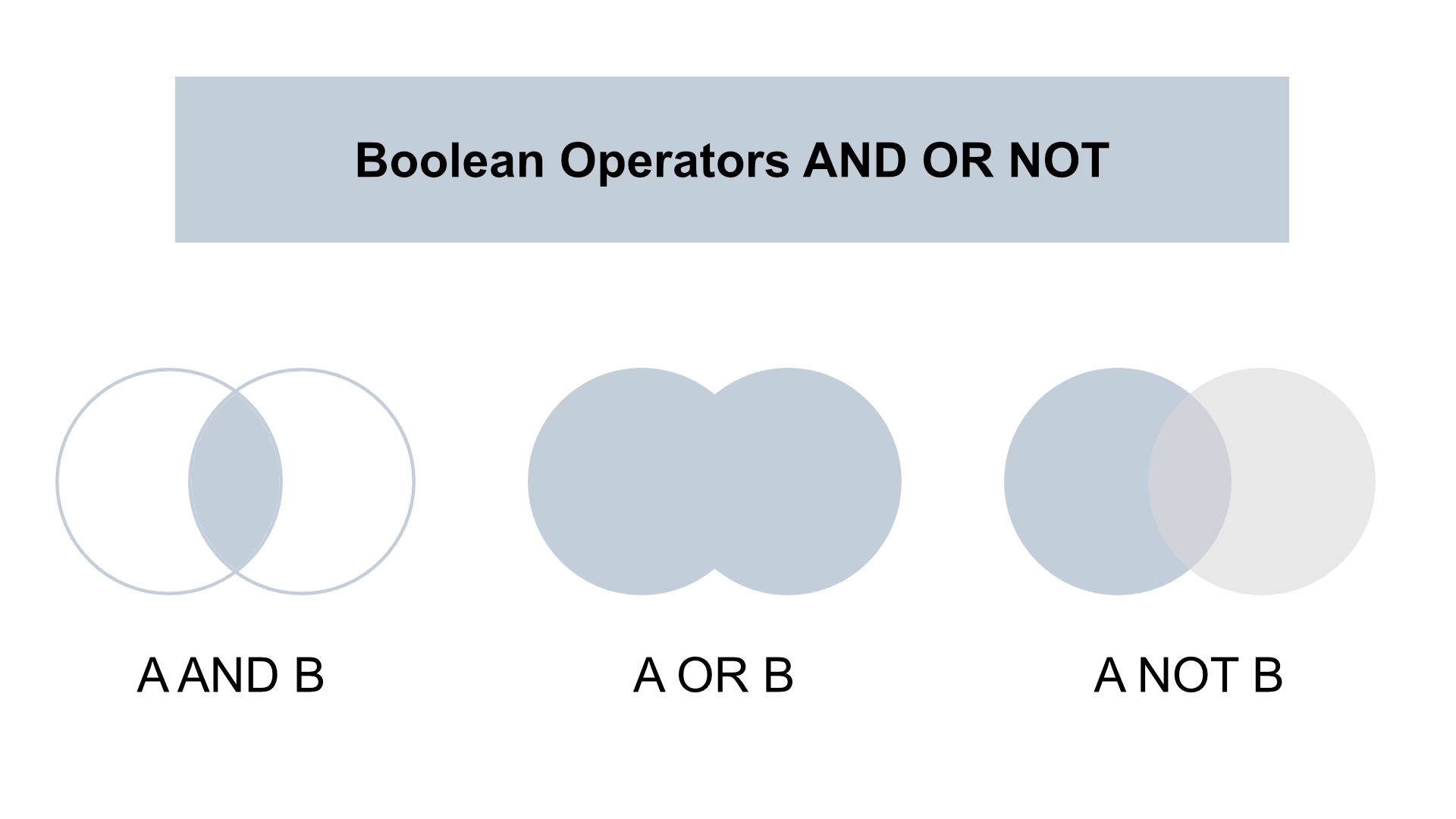
Using operators has different effects on sets of results:
| Search criteria in the catalog | Operator | Description | Example | Result |
|---|---|---|---|---|
| AND (all terms at the same time) | AND | Display results containing both search terms (intersection). | Keywords: “tourism” and “Alps.” | All media related to tourism and the Alps are displayed. |
| OR (with any term) | OR | Display results containing both search terms (union). | Title: “Mass Tourism” OR Title: “Overtourism” | All media items with titles containing the words “mass tourism” or “overtourism” are displayed. |
| NOT (without the terms) | NOT | Display results that exclude this search term. | Title “Mass Tourism” OR Title “Overtourism” NOT Keyword “Venice” | All media items will be displayed whose titles contain the words “mass tourism” or “overtourism,” provided they do not include the subject “Venice”. |